Insert the current date and time in Excel


If you want the current date or time in a cell, don’t type it manually. You’ll waste precious seconds (and risk mistakes).
Instead, use these keyboard shortcuts:
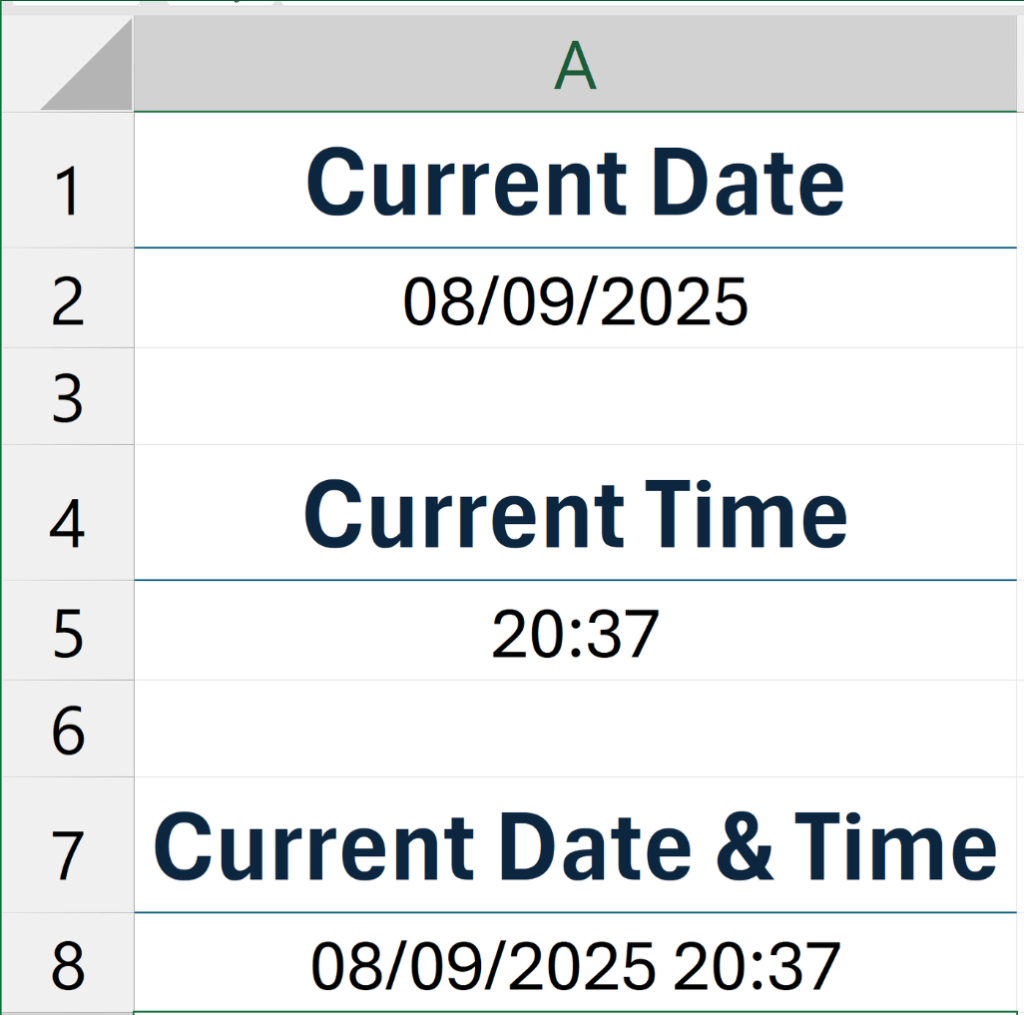
📆 Insert current date
Ctrl + ;
⏰ Insert current time
Ctrl + Shift + ;
📆⏰ Insert current date & time
Ctrl + ; → Space → Ctrl + Shift + ;
Example