

Andrew Moss
Excel Aficionado
Latest
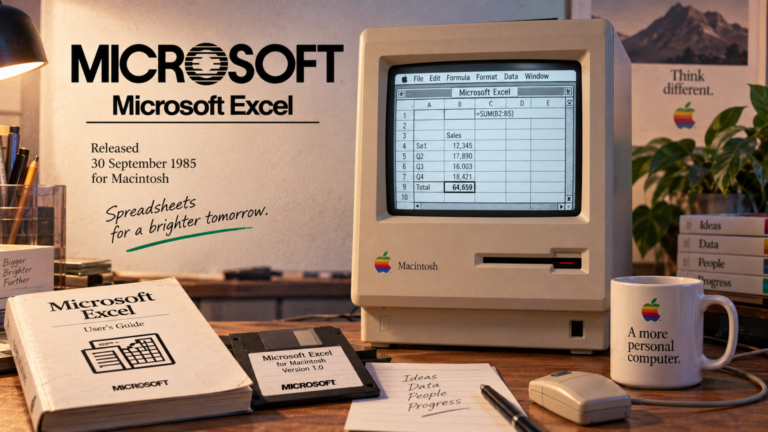
I wonder where Excel will be in 4.1 years, let alone 41. The last couple of years have been dominated by Copilot updates, so it’s easy to see the direction…

It’s taken a while, but two long-requested features have finally arrived in Excel! They’re not exactly groundbreaking, but they’re welcome additions that make a couple of everyday tasks that little…

You’ve all heard of the 9 till 5. You might have heard of the 5 till 9. But what about the 9 till 9? I’m talking about 9pm till 9am…
Top Picks

Here’s a collection of work I’ve created for the Global Excel Summit from 2022 to 2026. To jump to an item from the Table of Contents, expand its drop-downs first.

Excel’s calculation engine just got upgraded. And it’s the biggest change since dynamic arrays came about at the back end of the last decade. Formulas can now respond to the…

Custom formatting is a great way to control how values are displayed, but formats are designed to sit on a single line, which isn’t always ideal. Take a football match…
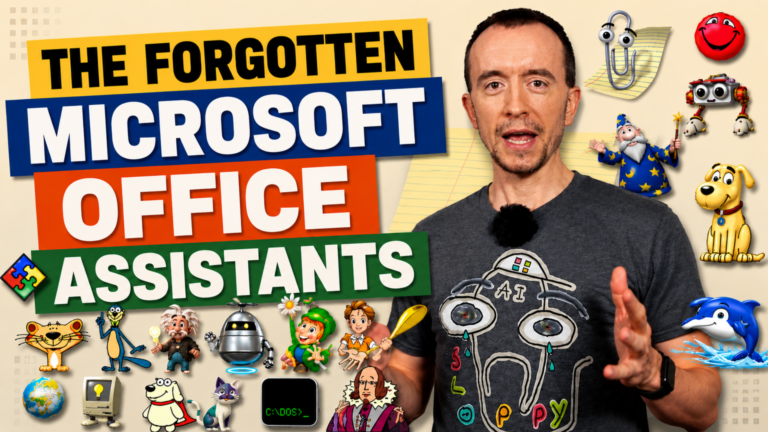
When people think of Microsoft’s Office Assistants, one character usually springs to mind: Clippit — more commonly known as ‘Clippy’. The anthropomorphic paperclip became one of the most recognisable characters…
Most Read

Star rating systems are commonly used to rank things like films, TV shows, hotels, and shopping products. Typically, they are done on a scale of 1–5 (or 0–5), although you…
A table is defined as “a set of facts or figures systematically displayed, especially in columns.” They structure data in a way that ensures fast and efficient readability. In Excel,…

If you’re a technophobe, you probably want to avoid coding at all costs. Thankfully, Microsoft Power Automate empowers you to create powerful workflows without a jot of code. No-code (and…
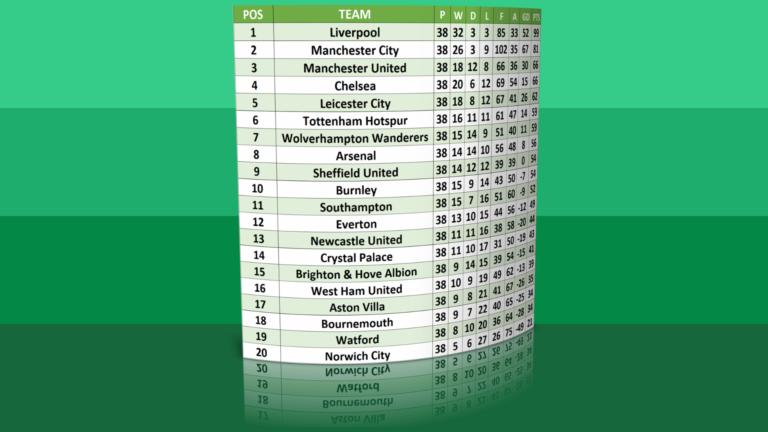
Introduction I am going to show you the different ways you can build a football league table in Excel. Some of the methods are old school, but others utilise Excel’s…
In my previous article, Analysing 10 Million Rows in Excel, I showed you how to load a dataset into Power Query consisting of 10 million rows. In truth, it can…
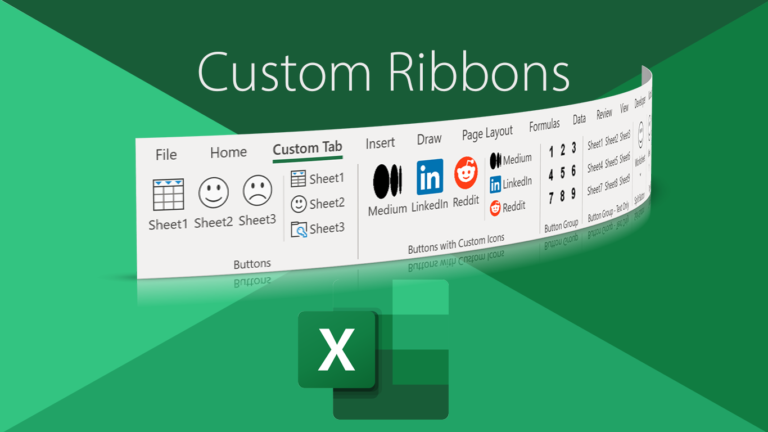
Microsoft’s ribbon interface has been with us since the launch of Office 2007. Although met with mixed reaction, over time many acknowledged it was a viable replacement for the ageing…