
Sometimes the janky way is the only way

Some people are very prescriptive about how things should be done. They’ll tell you there’s a ‘proper way’ — a set process you’re supposed to follow. But the reality is, that so-called proper way doesn’t always hold up.
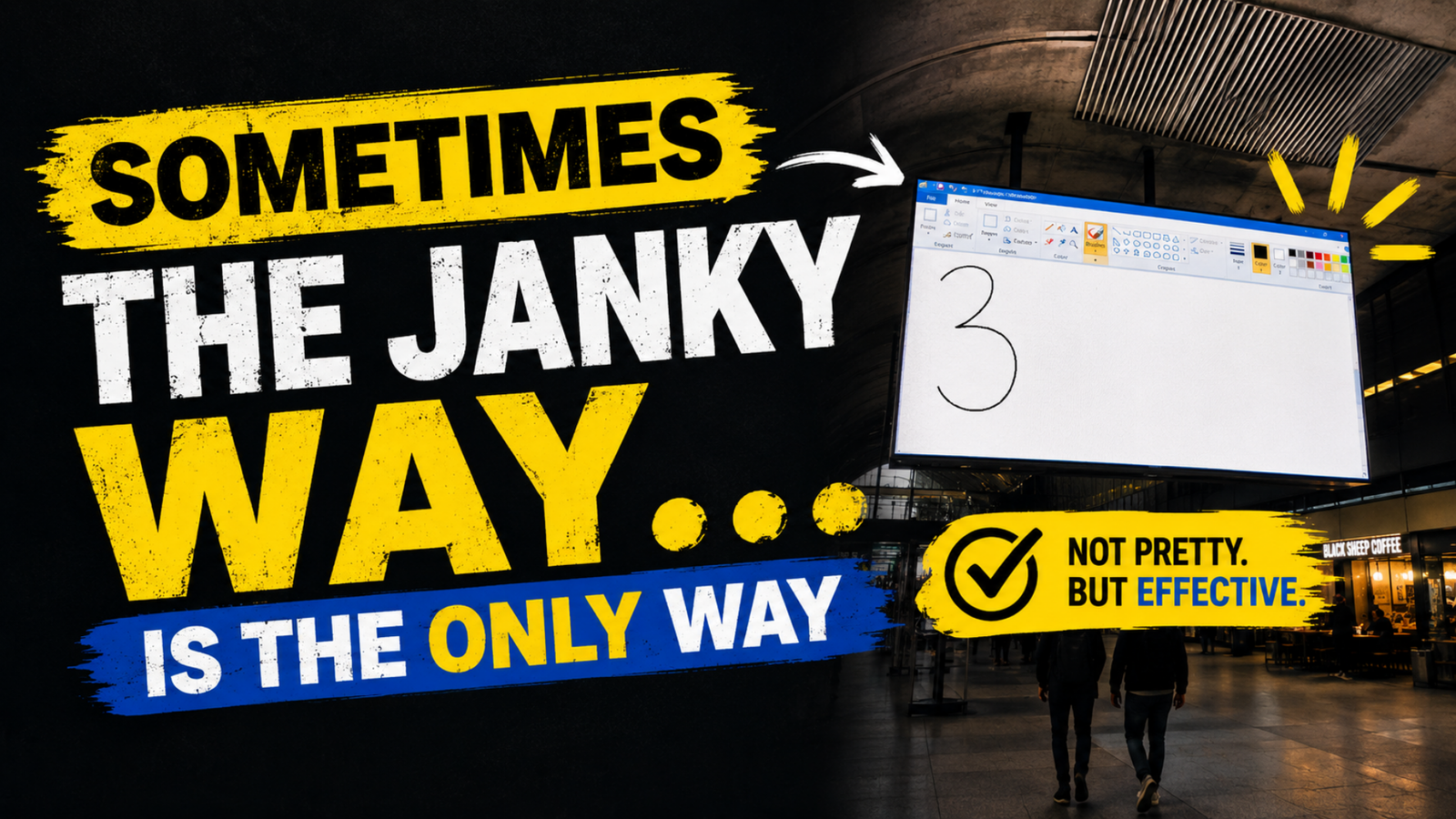
Recently, I came across a video (posted by MyLondon) from London’s Canary Wharf train station where staff appeared to be identifying large display screens using Microsoft Paint. Yes, literally drawing the numbers on them!
It sounds ridiculous at first, but it actually makes sense. Windows does have an Identify feature for multi-screen setups (Settings > Display > Identify). The problem is, the numbers only stay on the screen for about 2 seconds.
That’s fine when you’ve got two or three monitors on a desk right in front of you. It’s useless when screens are spread out across a large space — above you, behind you, or even around corners.
For argument’s sake, let’s assume they did know about the official feature. Instead of using it, they resorted to something that actually worked for their situation. A janky workaround… but an effective one.
It’s a good reminder that tools don’t always scale well beyond basic use — but we’re not even talking about edge cases here.
Recently, I covered an obvious limitation with Excel’s Focus Cell feature: its inability to work with other apps. As soon as you click off the Excel window, it switches off. That means you still have to rely on VBA to overcome this.
It’s proof that sometimes the best solution isn’t the one you’re supposed to use — it’s the one that actually gets the job done.