
Why I Turn Off Outlook’s Focused Inbox

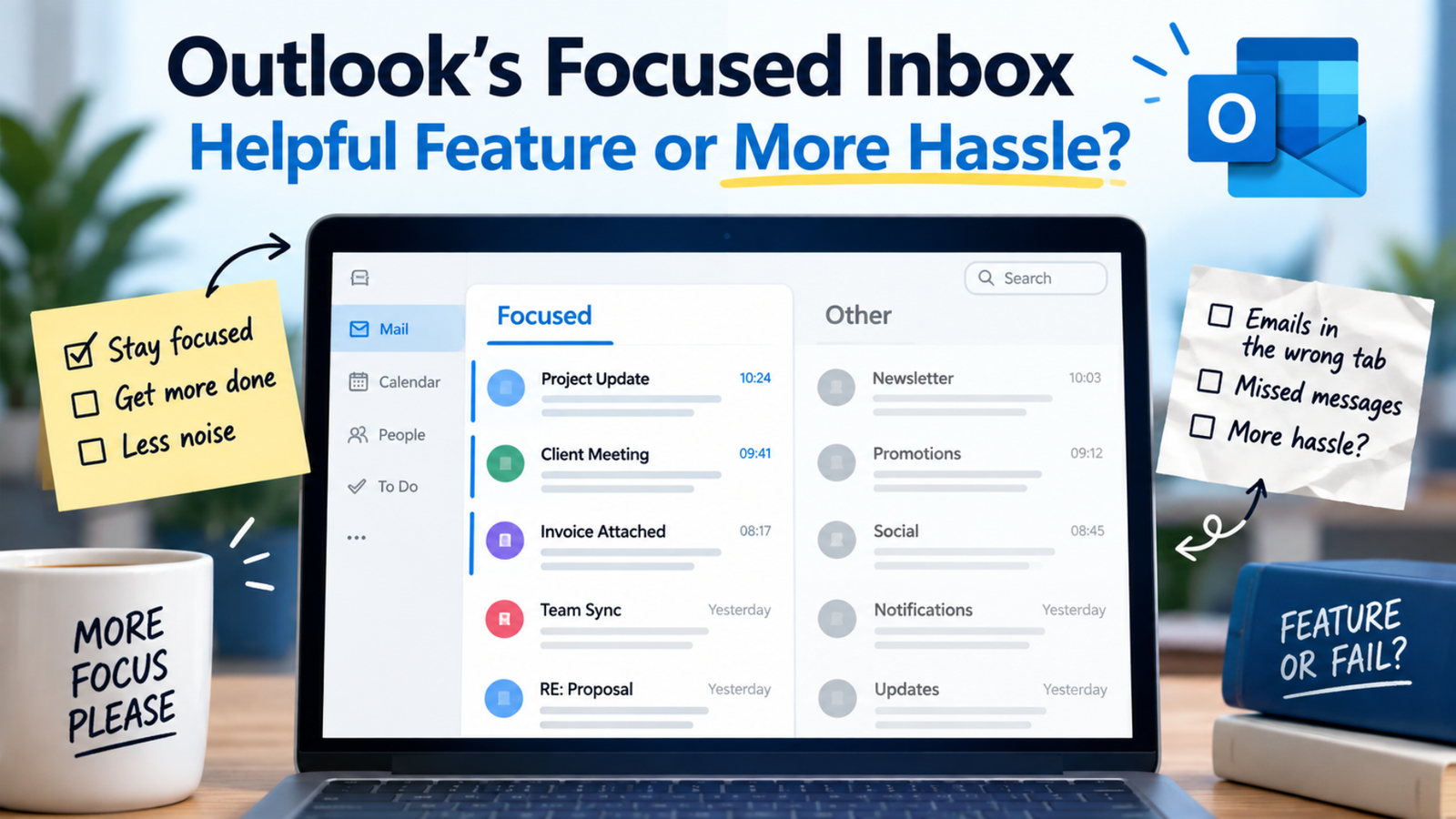
Focused Inbox is an Outlook feature that splits your inbox into two tabs — Focused and Other. The former houses your most important emails, whilst the latter holds the rest.
I should caveat the above though by saying that’s what’s meant to happen.
It was first rolled out in 2016, and on one of Microsoft’s web pages , it audaciously claims that “Focused Inbox intelligently pre-sorts your email so you can focus on what matters.”
By “intelligently”, it means emails landing in the wrong tab and causing more hassle than it’s worth.
The web is awash with scathing remarks about Focused Inbox, yet, bizarrely, it remains the default setting. Oh, and a quick Google search reveals “focused inbox is garbage” to be a top-10 suggestion.
For me, it’s the first thing that gets switched off. If I want my inbox emails to be redirected to separate folders, I will create customised rules based on the conditions I set. At least then I know what these conditions are.
I’m interested to know what your thoughts are though. Do you like it or loathe it?
*EDIT*
The poll has now closed and the results are in!
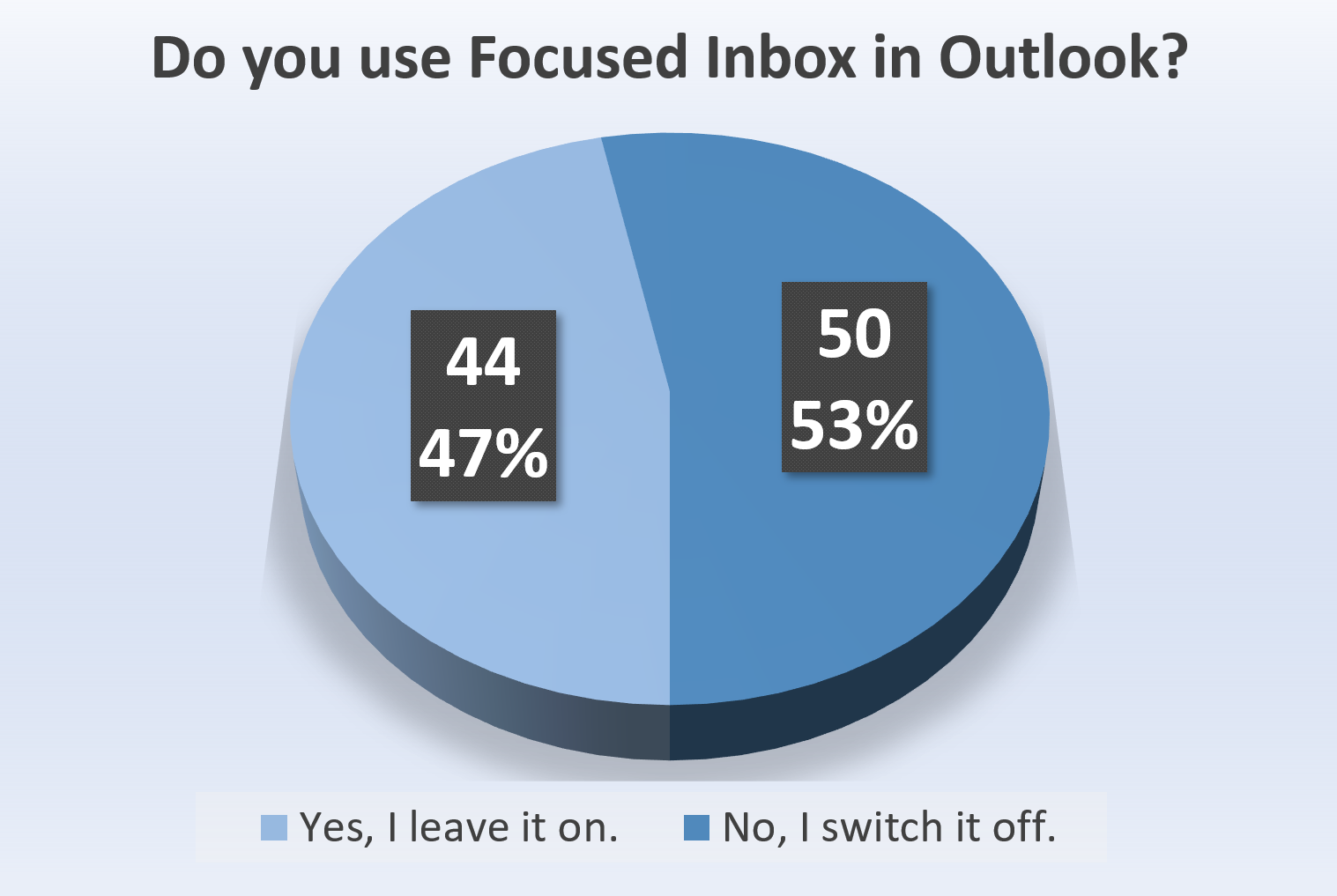
It was closer than expected, but the majority of voters said they switch off Focused Inbox.
Obviously, this is only one poll, but it would be interesting to replay it in a year or two’s time. Will more people make the switch over? Who knows? What we do know is Focused Inbox divides opinion.
Thank you to everyone who voted!