
Stay on track with Excel’s Focus Cell

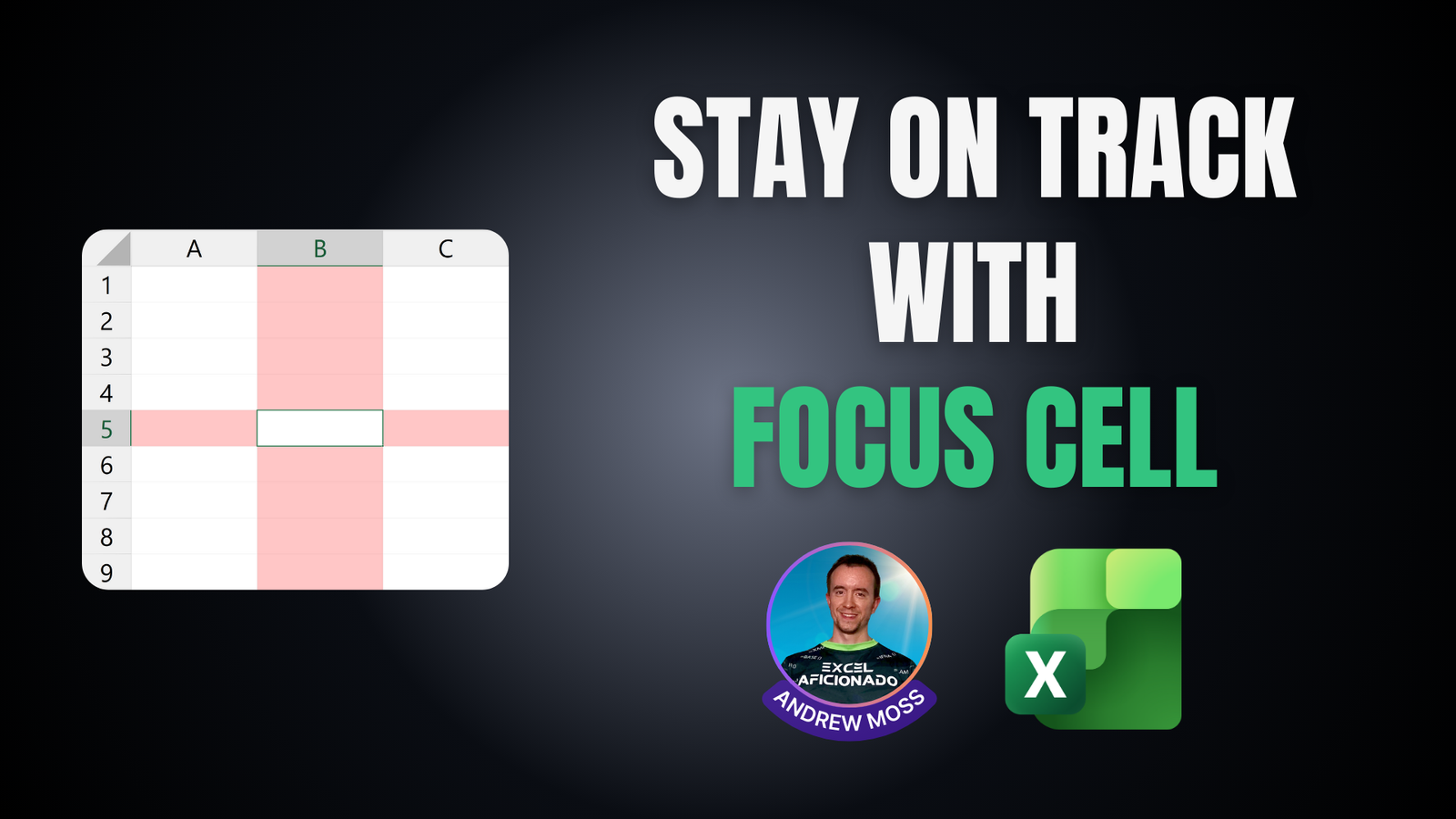
If you ever get disoriented in the worksheet grid, Focus Cell makes it much easier to stay on track.
It highlights the active cell’s row and column so you can edit and input with greater assurance you’re in the right place. This is especially important during tasks that involve frequent jumping from row to row or column to column.
You’ll find the button on the View tab, where you can toggle it on and off by clicking the main part.
Clicking on the integrated dropdown gives you additional options:
- Focus Cell (Alt, W, E, F) — does the same as the main button.
- Focus Cell Colour (Alt, W, E, C) — pick from a palette of 70 colours.
- Show Auto-Highlight (Alt, W, E, S) — enable to trigger Focus Cell during Find and Replace actions.
With Focus Cell on, selecting a range keeps highlighting tied to the active cell. Press Tab to cycle through each cell and Ctrl + . to jump between corners.