
Fill blanks with value above in Excel


Got some gappy data?
You can fill the blanks by repeating the last visible value until a new one appears, using one of these methods:
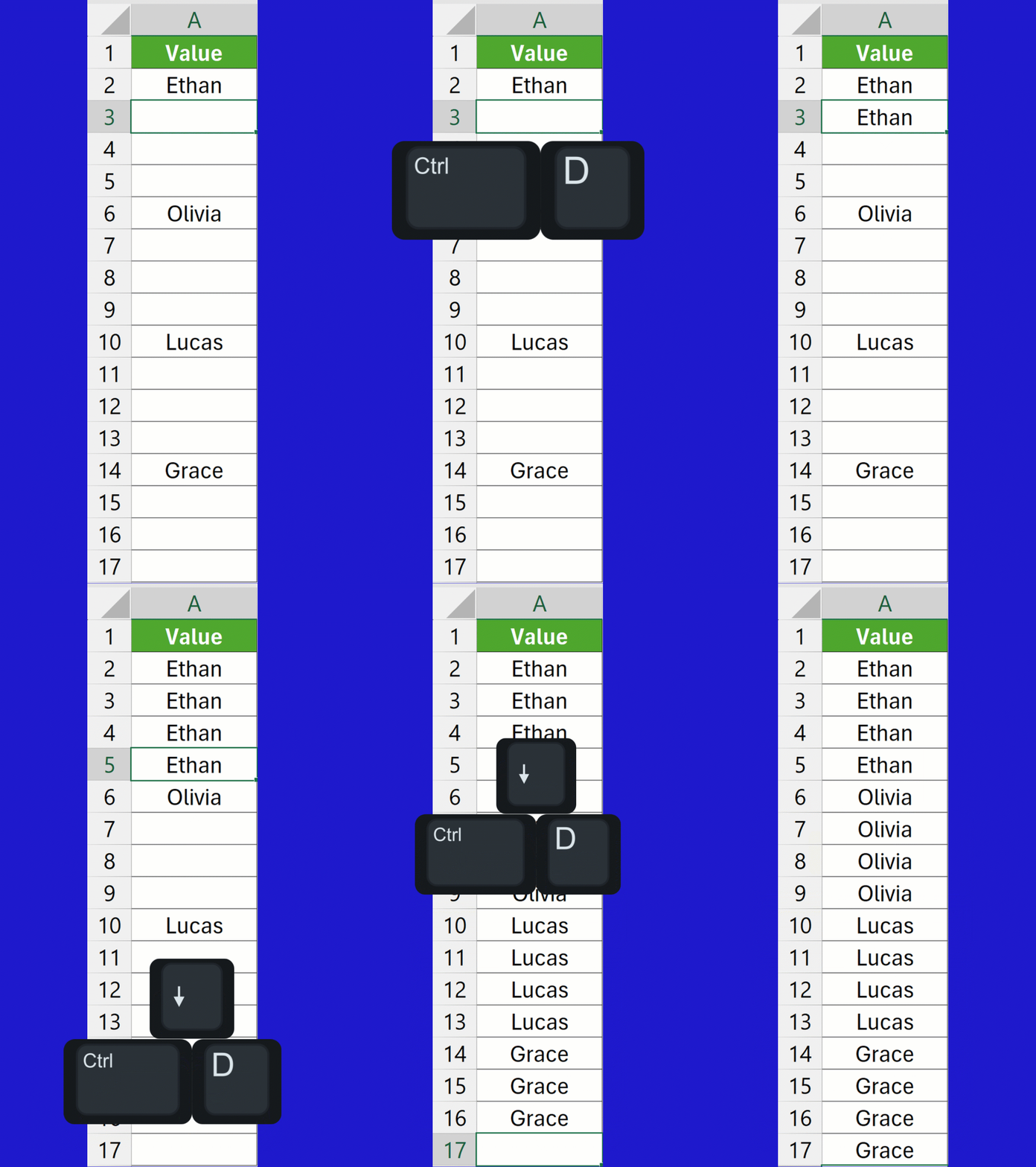
Keyboard method
- Select a range with a value at the top followed by blank cells.
- Press Ctrl + D to copy the top value and populate the rest of the cells.
- Repeat step 2 for each of the other values in the column.
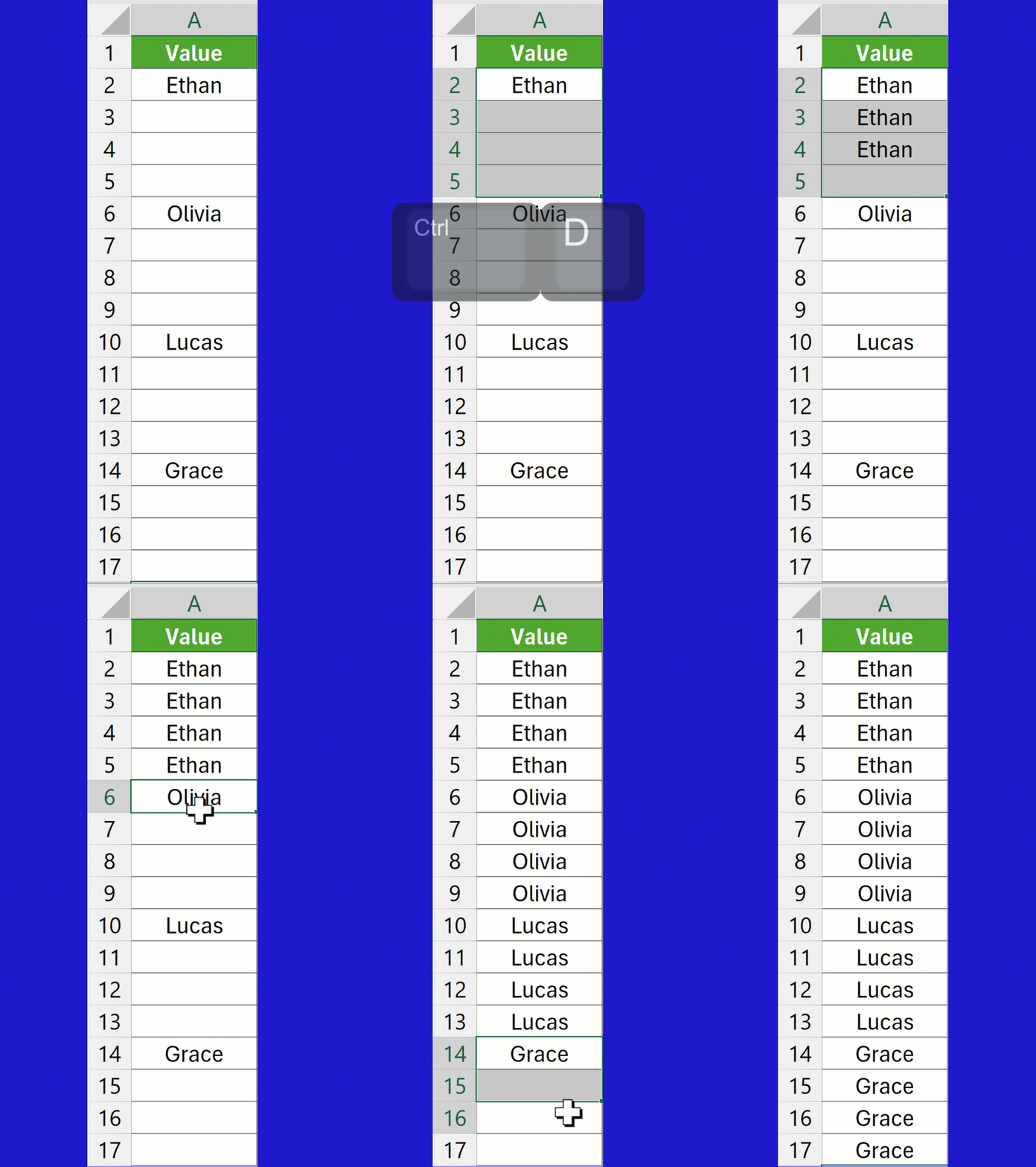
You can also select the first non-blank value down to the last blank one in a batch, and then press Ctrl + D to fill the rest in.
Formula method
Use this formula to automatically fill the blank cells in A2:A17:
=SCAN("",
A2:A17,
LAMBDA(previous,current,
IF(current="",previous,current)
)- SCAN cycles through the range from top to bottom.
previousis the accumulated value from the previous step.currentis the current cell in column A.- IF statement — if the
currentcell is blank, return thepreviousvalue; otherwise, keep the current value.

Python method
Type =PY( to enter Python Mode and then put:
xl("A2:A17").ffill()The .ffill() method fills the blank cells by carrying the last non-blank value forward.
Press Ctrl + Enter to confirm the code.
It will load as a DataFrame initially, but choose Excel Value in the Python Output dropdown to ensure the values display as desired.