
Excel needs a more powerful formula language

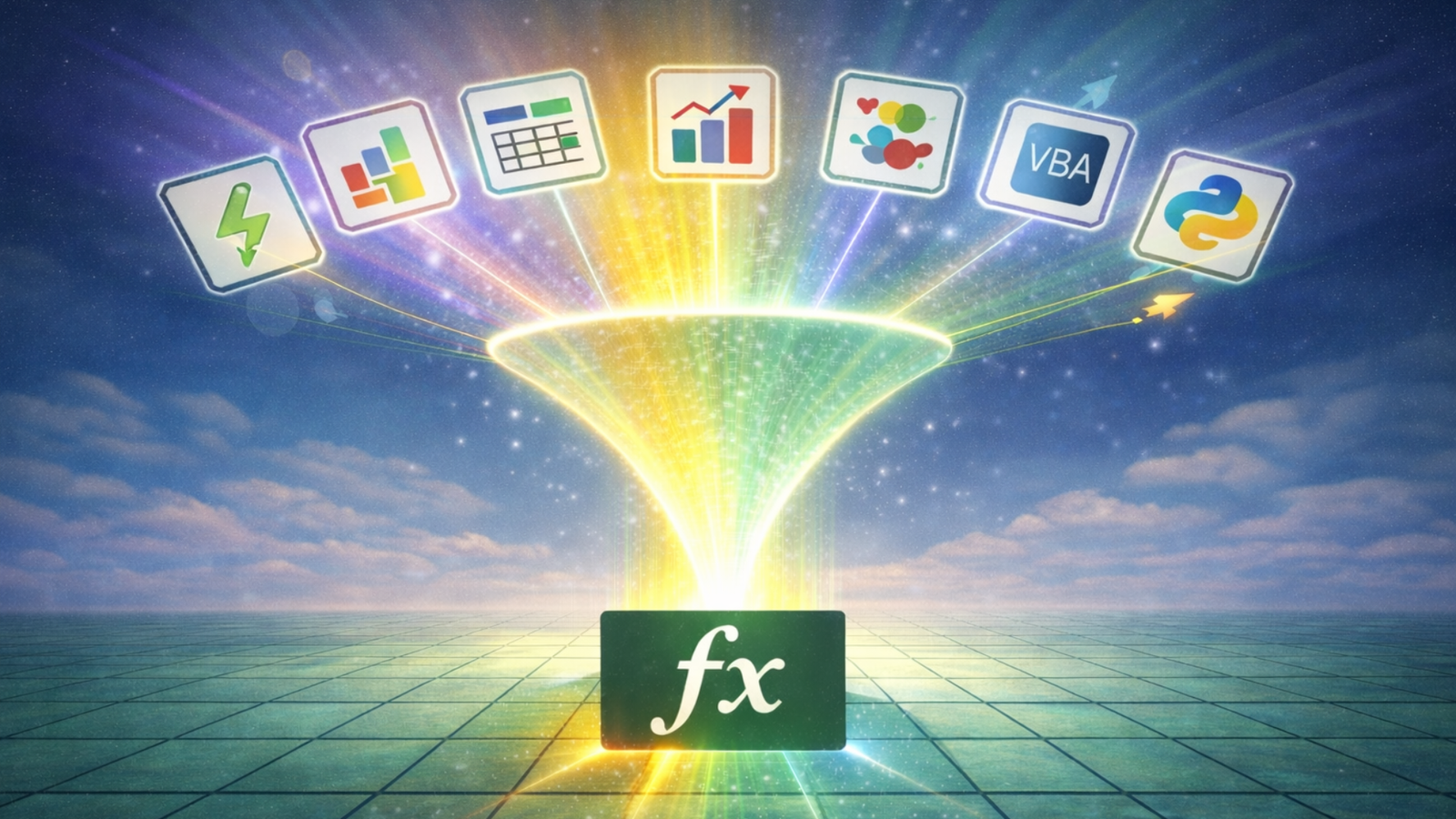
Since IMPORTTEXT and IMPORTCSV were announced earlier this month, I’ve seen a few people asking the same question:
What’s the point of these functions when we already have Power Query?
I think that question misses something important.
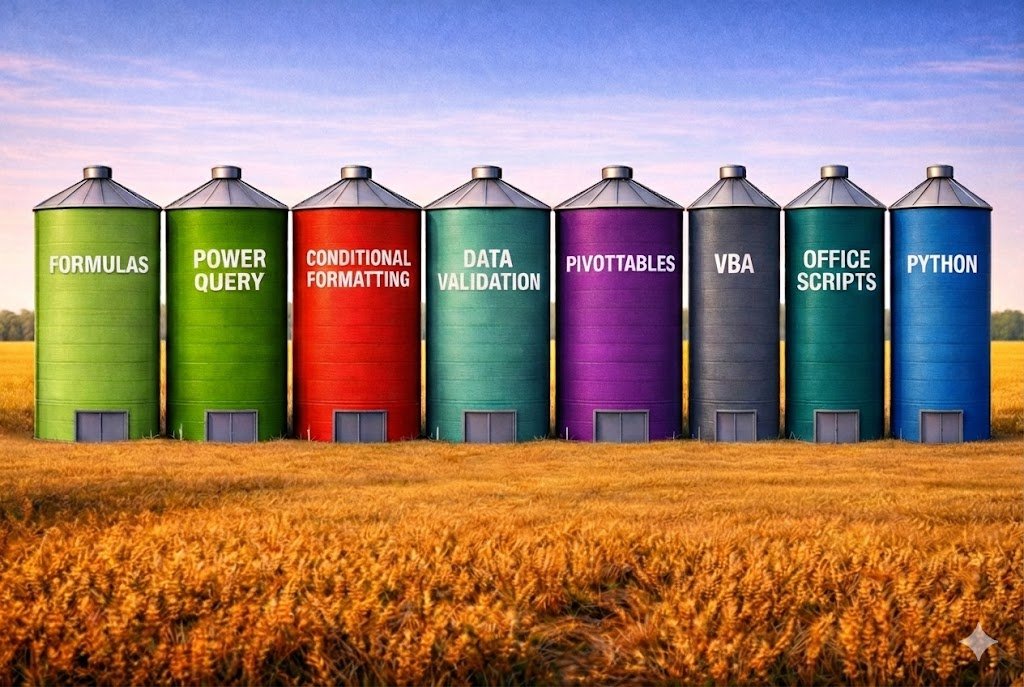
Excel isn’t one single system — it’s a collection of silos. That’s why there are often many ways to do the same thing, each with its own pros and cons.
At a high level, I tend to think of Excel’s silos as follows:
- Formula language
- Power Query (M)
- PivotTables/PivotCharts
- Power Pivot/Data Model (DAX)
- Python
- Visual layer (formatting, conditional formatting, charts, sparklines)
- Data input & structure (tables, data validation, slicers, timelines)
- Automation & extensibility (VBA, Office Scripts, add-ins)
Power Query still excels at complex, multi-step data shaping, joins, and repeatable transformations. Just like when a stack of text and array manipulation functions were released a few years ago, I don’t see IMPORTTEXT and IMPORTCSV as replacements for the Power Query equivalents.
But it is a good thing that the formula language is becoming more powerful. Every time it does, we reduce our dependence on Power Query for simpler tasks — not to replace it, but to use it where it’s strongest.
Excel has been moving further down the programming route for a while now.
Dynamic arrays slashed the number of formulas we construct.
LET gave us local variables (named values) in formulas.
LAMBDA enabled us to build custom functions.
And the Advanced Formula Environment made it easier to treat formulas as structured code.
On that note, it would be great to have more capabilities brought to the formula language, such as conditional formatting and data validation, which we’ve only ever experienced as ribbon features.
Relying less on the ribbon when building systems and models would ultimately be good for efficiency and maintainability.
I know this might be overwhelming for newbies, but the goal shouldn’t be to remove Excel’s silos — it should be to soften the boundaries between them.
What ribbon features would you like to see integrated into the formula language?