
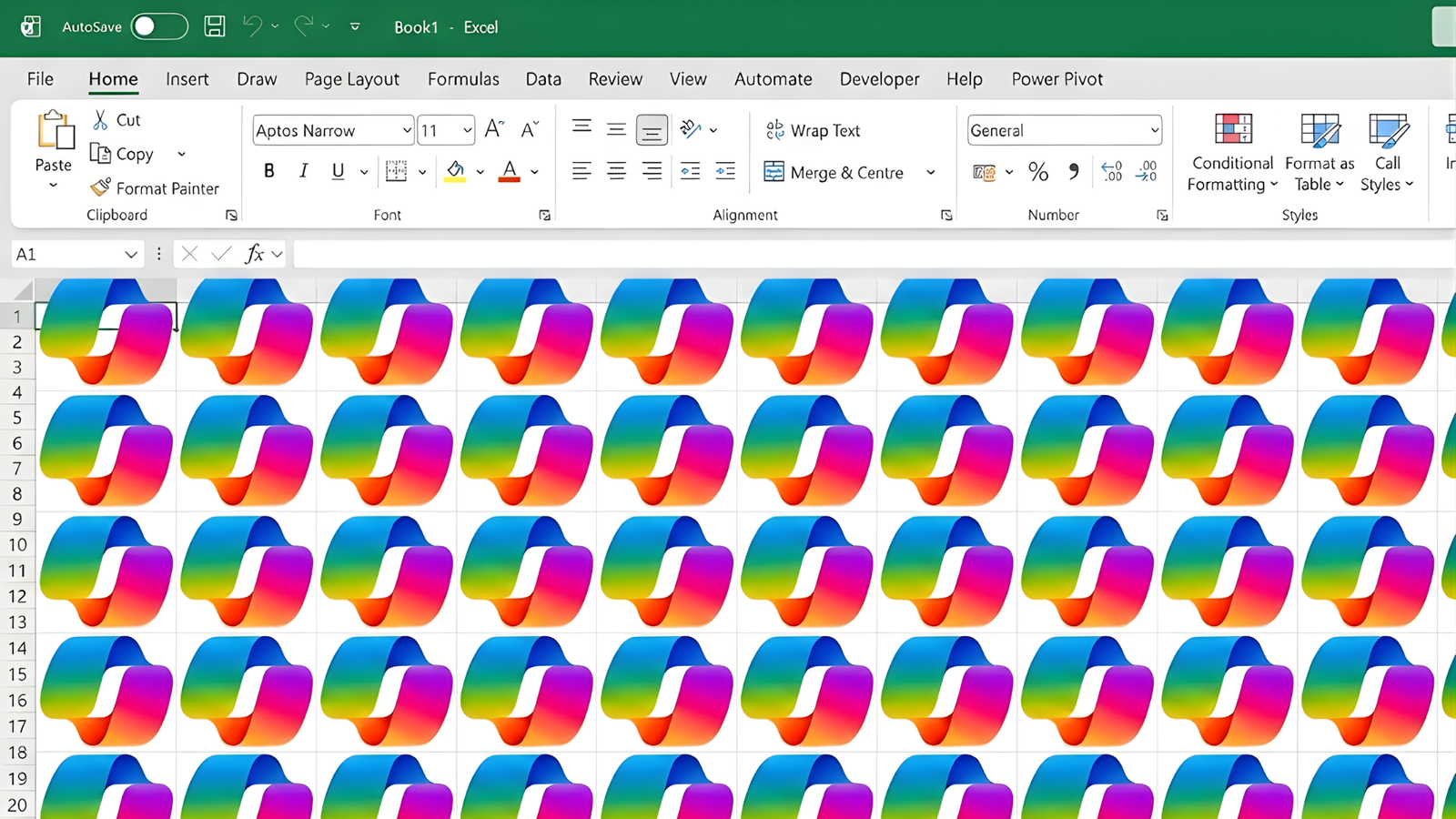
Copilot is unavoidable and inescapable

I was only trying to give my rabbit a Hollywood smile using the Format Painter tool, but that blimmin’ Copilot button got in the way again!
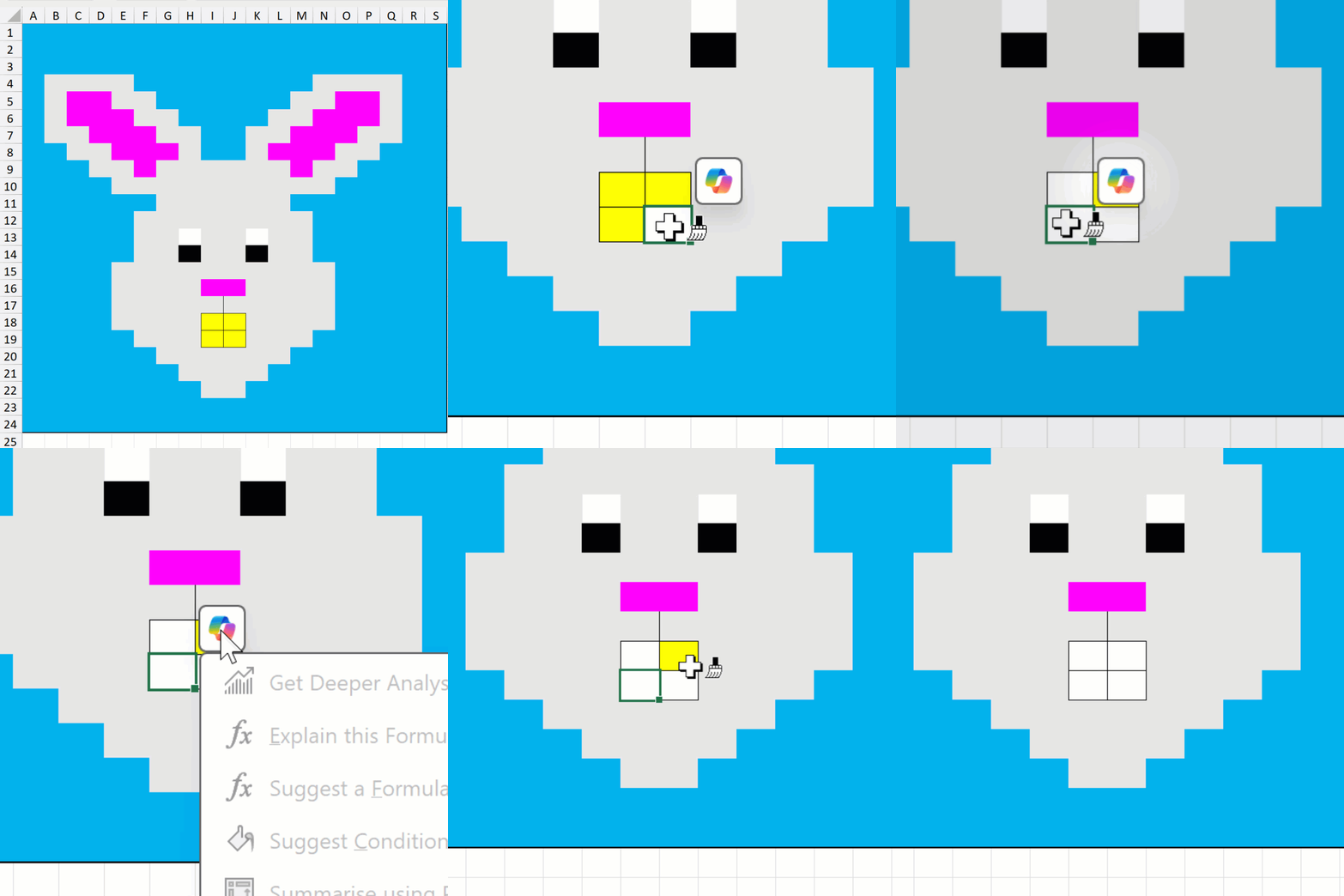
Thankfully, it is possible to switch it off without fully turning off Copilot.
Go to File > Options > Copilot and tick the checkbox for Show Copilot icon only for highly relevant suggestions.
Somehow, I can’t help but think a keyboard shortcut would be better for convenient control over when it appears and when it doesn’t.
I mean, I can understand how Copilot might come in handy if you’re analysing some data. However, it certainly doesn’t need to display every time you select a cell! 🤨👎